Showing posts with label Computer Apps CAD. Show all posts
Showing posts with label Computer Apps CAD. Show all posts
Tuesday, March 02, 2021
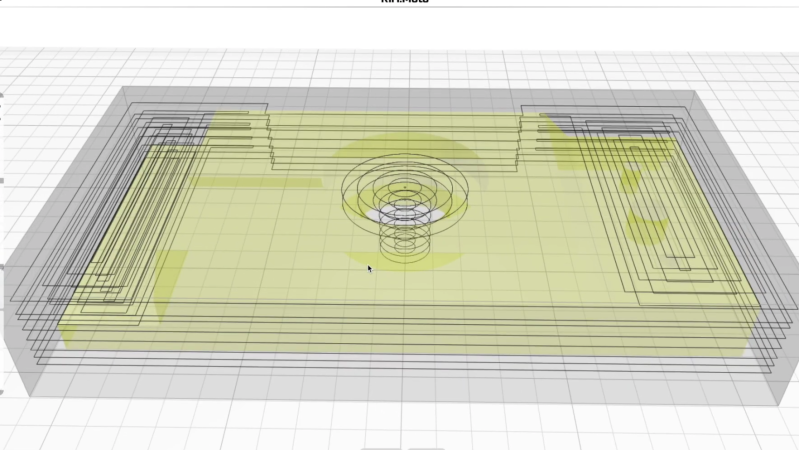
Open Source CAM Software In The Browser


Thursday, September 03, 2020
Lighting designer uses AutoCAD to help cast light on Eid holiday stage production in Kuwait

Wednesday, September 02, 2020
10 Things You (Probably) Didn't Know Fusion 360 Can Do
Thursday, October 04, 2018
Inside Vectorworks 2019 With CEO Dr. Biplab Sarkar

Live Design chatted with Vectorworks CEO Dr. Biplab Sarkar about some of the new features in Vectorworks 2019, including Spotlight-specific updates.
Tuesday, March 21, 2017
How to Use Conditional Formatting in Microsoft Excel

Thursday, November 27, 2014
Autodesk Project Dreamcatcher Goal Directed Design

It’s no longer what if: it’s Project Dreamcatcher, and it’s the next generation of computational design.
Friday, November 14, 2014
SketchUp Nominated for Best of Show
The CAD Insider: SketchUp has been though a few owners over the last few years. After talking with the SketchUp team, I believe that with Trimble at the reins, we can expect great things from SketchUp.
Monday, October 07, 2013
3D CAD Needs the Leap Motion Controller

Thursday, September 19, 2013
This Impossible Software Can Make 3D Models From a Single Photograph
gizmodo.com: It was predicted that computer graphics would one day give everyone the ability to create their own blockbuster film. But the software used for modern visual effects is still pretty complicated for the average user. At least until this magical software that can almost instantly turn a still photo into a 3D model is available.
Saturday, September 14, 2013
Autodesk Project Chronicle for AutoCAD, Inventor, and Revit

Thursday, July 25, 2013
Autodesk 3D Print Utility

Saturday, July 13, 2013
Multifunction Grips on AutoCAD Dimensions
Lynn Allen's Blog: Are you taking advantage of all those handy tools built right into the grips on dimensions? Multifunction grips keep you out of the ribbon and menu system - and help you work more efficiently by putting popular command right on the objects themselves! They are a big time savings - but only if you know about them (and use them!).
Tuesday, August 21, 2012
The Lifehack Big List: 50 Top Productivity Apps for iPhone

Tuesday, July 26, 2011
An AutoCAD Hip Tip on Turning Splines into Plines
 Lynn Allen's Blog: "Cadalyst Magazine released my latest Tips and Tricks Tuesday video on turning Splines into Polylines. This was a welcome addition to AutoCAD 2010 - but I find that many of you out there in AutoCADland don't seem to know about it."
Friday, April 22, 2011
Help Shape the Future of AutoCAD
The CAD Geek Blog: "Having just wrapped up a series of 2012 Autodesk Product Launch events, it’s hard for me to even start thinking about next year’s release. Of course, for Autodesk to meet their annual release cycle, you better believe they’ve already started thinking about AutoCAD 2013 and beyond. In fact, Autodesk is currently conducting a survey on what looks like it could lead to a very cool drawing compare feature in a future release of AutoCAD.
Saturday, April 09, 2011
i.materialise launches Sketch to 3D, A 3D modeling service for 3D printing
 i.materialise 3D Printing Service Blog: "Today we are launching Sketch to 3D. Sketch to 3D is a 3D modeling service that can turn your drawings into 3D models. Now you can draw anything you want and get it 3D printed. 3D printing is an amazing technology that potentially can let you make whatever you want. But because few can 3D model it has been impossible for most people to make exactly what they want to make, until now. The democratization of manufacturing has now reached you. Now you have no excuse, you can now 3D print whatever you want to.
Thursday, July 17, 2008
Autocad, Autolisp, Autocad Tutorial, Autocad Customization, Software Reviews, Autocad News
Daily Autocad : "Autodesk pays more attention to online information this time around. They have even set up a customer supprot service where they solve the problems of the users, and all these are published online for eveybody. We reccomend that you check them out:"
Wednesday, July 09, 2008
Don’t forget to take a glance at our e-books!
Daily Autocad: "We published 11 e-books till now. Probably some of our new readers may overlooked these e-books which are very helpful for new users."
Saturday, July 05, 2008
Special Invitation
Design & Drafting CAD News: "If you use Computer Assisted Drafting and Visualization tools to create lighting plots, please join us for a demonstration of the most cutting-edge software currently available for the entertainment market.
What: LD Assistant Demo and Training LIVE over the Internet
When: July 8, 2008"
What: LD Assistant Demo and Training LIVE over the Internet
When: July 8, 2008"
Wednesday, August 08, 2007
New e-Book: AutoCAD 2008 MULTILEADER Command
Daily Autocad: "Our new e-Book is from Erhan Toker. This 10 page PDF document is compiled from articles of Erhan Toker which are about “MULTILEADER command” in AutoCAD 2008. This very detailed e-book helps you to learn the new ability of AutoCAD 2008."
Subscribe to:
Posts (Atom)